



Mekari Insight
- Low-code isn’t a shortcut, it’s a strategic choice. It works best for internal tools, workflow automation, and projects that need to move fast. For complex, high-traffic, or compliance-sensitive systems, traditional development still wins on control and scalability.
- A hybrid approach, low-code for front-end interfaces and routine workflows, traditional development for back-end logic and deep integrations, gives businesses both speed and precision without sacrificing either.
- If you’re still choosing between moving fast and building right, Mekari Officeless removes that tradeoff. It combines a low code no code environment for rapid app building with full JavaScript-based customization when requirements get complex, all on an ISO 27001-certified, enterprise-grade architecture.
Development teams are under growing pressure to deliver software faster, while developer resources remain limited. As a result, many companies either spend heavily on custom development or see projects stuck in long backlogs.
Low-code platforms have emerged as an alternative, allowing teams to build applications through drag-and-drop tools with little coding, even by non-technical users known as citizen developers. However, not every project is suited for low-code.
This guide helps businesses decide when to choose low-code and when traditional development is the better option.
What is low-code development?
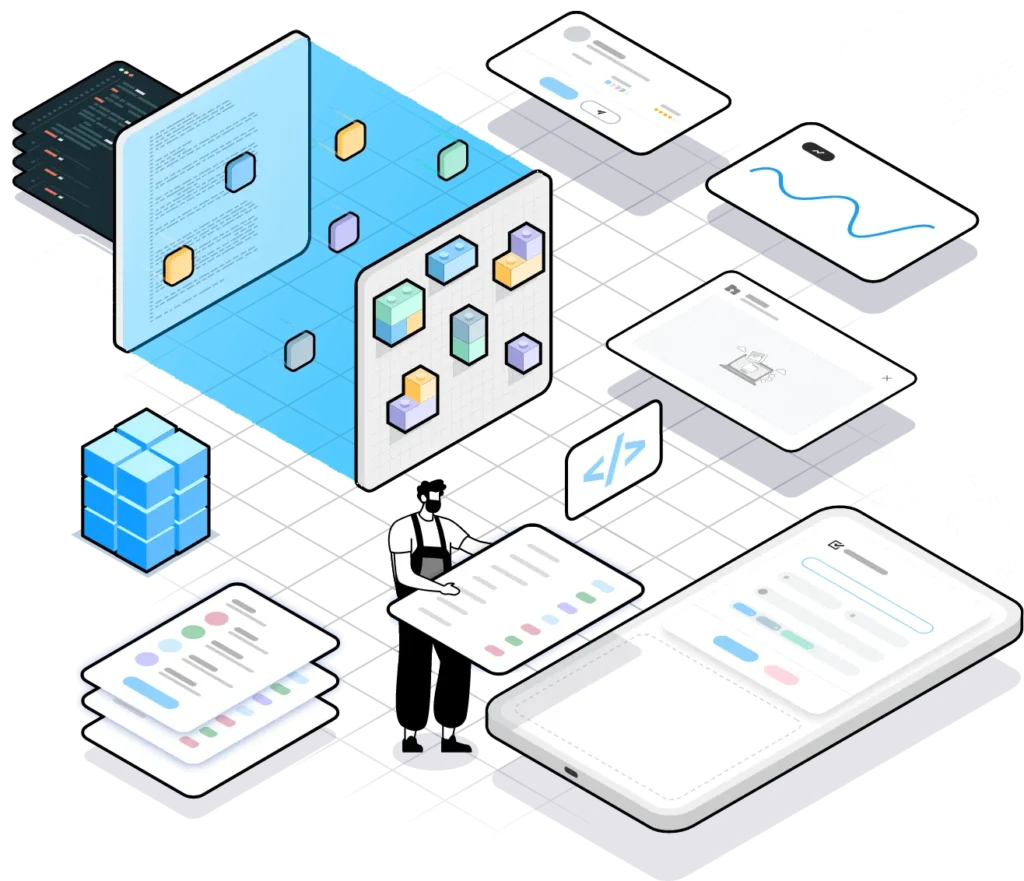
Low-code development is a modern way to build software using visual interfaces and drag-and-drop components, with minimal manual coding. Instead of writing complex logic from scratch, users can connect pre-built templates, modules, and integrations to quickly create applications.
This approach also enables citizen developers, non-technical business users who can build simple apps and automate workflows without formal programming skills.
It’s also important to distinguish low-code from no-code:
- Low-code allows developers to add custom code when advanced functionality is needed.
- No-code requires zero programming and is designed purely for non-technical users.
Adoption is growing quickly. By 2024, 80% of non-IT professionals are expected to develop IT products and services, with over 65% using low-code or no-code tools.
Meanwhile, IDC reports that organizations combining low-code with intelligent automation can achieve up to 509% ROI over five years, showing why many companies are adopting this approach to accelerate development.
Read more: How to Accelerate Agile Software Development with Low CodeWhat is traditional development?
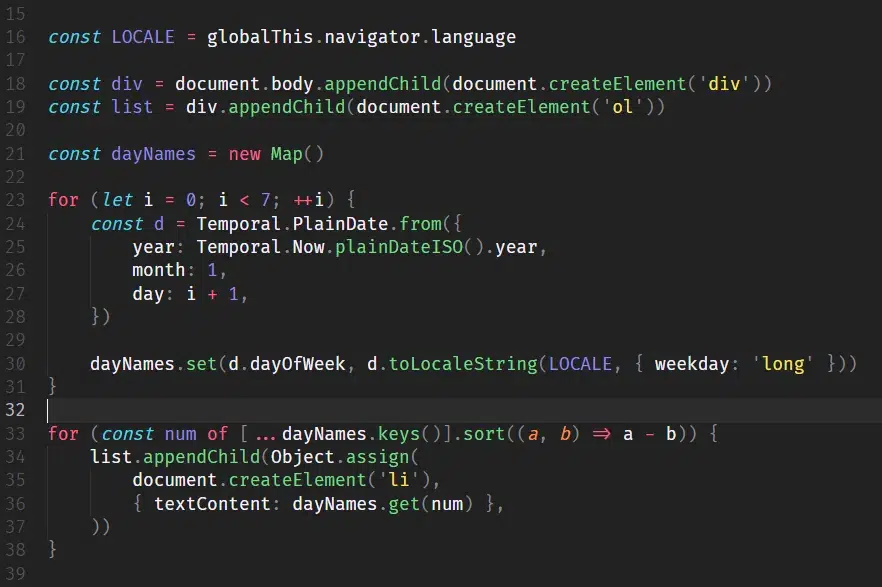
Traditional (or custom) development refers to building software from scratch using programming languages such as Java, Python, JavaScript, or C#. Developers write the application’s logic and infrastructure manually based on specific business requirements.
The process typically involves several stages:
- Requirements gathering and system design
- Writing and testing code
- Deployment and ongoing maintenance
This approach gives engineering teams full control over the codebase, including architecture, performance optimization, and security. However, it usually requires larger teams, such as developers, QA engineers, DevOps, and project managers, making projects more time- and resource-intensive.
Traditional development is best suited for complex, high-traffic, or compliance-sensitive systems, such as banking apps, healthcare platforms, or large-scale SaaS products.
Key differences of low-code vs. traditional development
This comparison helps businesses quickly evaluate which development approach better fits their speed, cost, and system complexity requirements.
| Aspect | Low-Code Development | Traditional Development |
|---|---|---|
| Speed & time to market | Much faster due to pre-built components, templates, and automated integrations. Development can be 50–90% faster and up to 10x quicker. | Slower because apps are built from scratch. Even simple projects can take months to years. |
| Cost | Usually based on subscription pricing (around $18–$300/year depending on the platform) with lower maintenance overhead. Organizations using low-code with automation reported up to 509% ROI over 5 years. | Custom development typically costs $40,000–$250,000+ depending on scope, plus ongoing maintenance costs. |
| Skill requirements | Accessible to non-technical users and citizen developers, such as business analysts or operations teams. | Requires skilled developers proficient in programming languages and frameworks. |
| Customization & flexibility | Flexible within the platform’s capabilities, but complex requirements may hit platform limits. | Offers full customization, allowing teams to control architecture, features, and design. |
| Scalability | Best for small to medium internal apps, automation tools, or workflow systems. | Better suited for large-scale, high-traffic applications. |
| Maintenance | Platform vendor handles most updates, security patches, and infrastructure maintenance. | Internal teams manage all maintenance, updates, and security. |
| Integration | Provides pre-built connectors, though complex legacy integrations can be difficult. | Supports deep custom integrations with any system, database, or API. |
Pros and cons of low-code development
Low-code platforms offer a faster and more accessible way to build applications, especially for teams with limited engineering resources. However, like any technology approach, they come with both advantages and limitations.
Advantages
- Intuitive development: Visual interfaces and drag-and-drop components make application building much easier compared to writing code manually.
- Lower dependency on IT teams: Business users can create simple tools and workflows themselves, allowing IT teams to focus on more complex engineering tasks.
- Accessible to more employees: Low-code platforms enable non-technical staff to participate in development, encouraging experimentation and cross-team collaboration.
- Accelerated application delivery: Ready-to-use templates and modules significantly shorten the time needed to launch new apps.
- More cost-efficient development: Businesses can reduce development costs by avoiding large custom engineering projects.
- Structured maintenance: Platform providers typically manage system updates, infrastructure, and routine maintenance.
- Built-in security and governance: Many platforms include integrated security features and centralized controls for managing applications.
- Built-in analytics and insights: Many tools provide dashboards and reporting features that help teams analyze operational data.
- Automation of repetitive workflows: Low-code solutions can help streamline routine tasks and operational processes.
Drawbacks
- Limited flexibility for complex systems: Highly specialized or large-scale applications may exceed the platform’s capabilities.
- Integration challenges: Connecting with older or highly customized systems can sometimes require additional work.
- Dependence on platform structure: Because apps are built within predefined frameworks, some customization may require workarounds.
Baca Juga: Top 5 Visual Programming Tools for Professionals & EnterprisePros and cons of traditional code development
Traditional development remains the standard for building complex and highly customized software systems. While it offers unmatched flexibility, it also demands more time, resources, and technical expertise.
Advantages
- Maximum customization: Developers can design every aspect of the application to match precise business requirements.
- Strong scalability: Custom-built systems can expand as user demand and system complexity grow.
- Greater feature flexibility: Engineers can build specialized functionality without being restricted by platform limitations.
- Deep system integrations: Custom applications can connect seamlessly with legacy systems, databases, and external services.
Drawbacks
- Ongoing maintenance responsibility: Development teams must manage security updates, infrastructure maintenance, and system monitoring.
- Higher development costs: Custom software requires skilled engineers and longer development cycles.
- Longer development timelines: Building software from scratch involves extensive design, coding, and testing stages.
- Slower update cycles: Adding new features or making changes often requires additional development sprints and testing phases.
Can low-code and traditional development work together?
Low-code and traditional development are often framed as an either/or choice, but many organizations now adopt a hybrid approach that combines both methods. This allows teams to move faster while still maintaining full control over complex systems.
In practice, the two approaches can complement each other:
- Low-code for building front-end interfaces, internal tools, and workflow automation quickly.
- Traditional development for back-end services, complex data models, and advanced integrations.
- Custom code extensions within low-code platforms when visual tools reach their limits.
Example: A company may launch a customer onboarding form using low-code in a few days, while the CRM synchronization and compliance engine are developed with traditional code by the engineering team.
This hybrid strategy also improves team productivity:
- Citizen developers handle routine app needs.
- Engineers focus on complex, high-value systems.
Stop choosing between speed and control! Mekari Officeless does both
For many enterprises, the real question isn’t “low-code or traditional development?”, it’s how to get the speed of low-code without losing the control of custom engineering. Mekari Officeless is designed to solve exactly that challenge.
Mekari Officeless is a custom enterprise software development platform that bridges both worlds. It provides a low code no code environment for teams that need to build applications quickly, while also supporting custom development when more complex requirements arise.
Key capabilities include:
- Build fast without sacrificing flexibility
Drag-and-drop visual development allows business teams to launch internal apps and workflows quickly, without waiting months for IT development cycles. - Customize for complex business needs
When visual tools reach their limits, technical teams can extend functionality using JavaScript-based development to implement advanced logic and workflows. - Enterprise-grade architecture
Built with ISO 27001-certified security standards, OpenAPI architecture, and designed to scale across organizations of all sizes. - Seamless integrations
Connect easily with the Mekari ecosystem (such as Mekari Jurnal, Mekari Talenta, and Mekari Flex), as well as legacy systems and third-party tools through APIs, events, and webhooks.
Beyond the platform itself, Mekari Officeless also offers a custom software development service.
For enterprises with more advanced requirements, a dedicated team of engineers and domain experts can design and build tailored enterprise applications, ensuring organizations get both speed and precision without compromise.
References
Appsmith. ‘’Traditional Software Development vs. Low Code: Which Is Best for Your Business?’’
Microsoft. ‘’Low-Code vs. Traditional Development’’
